


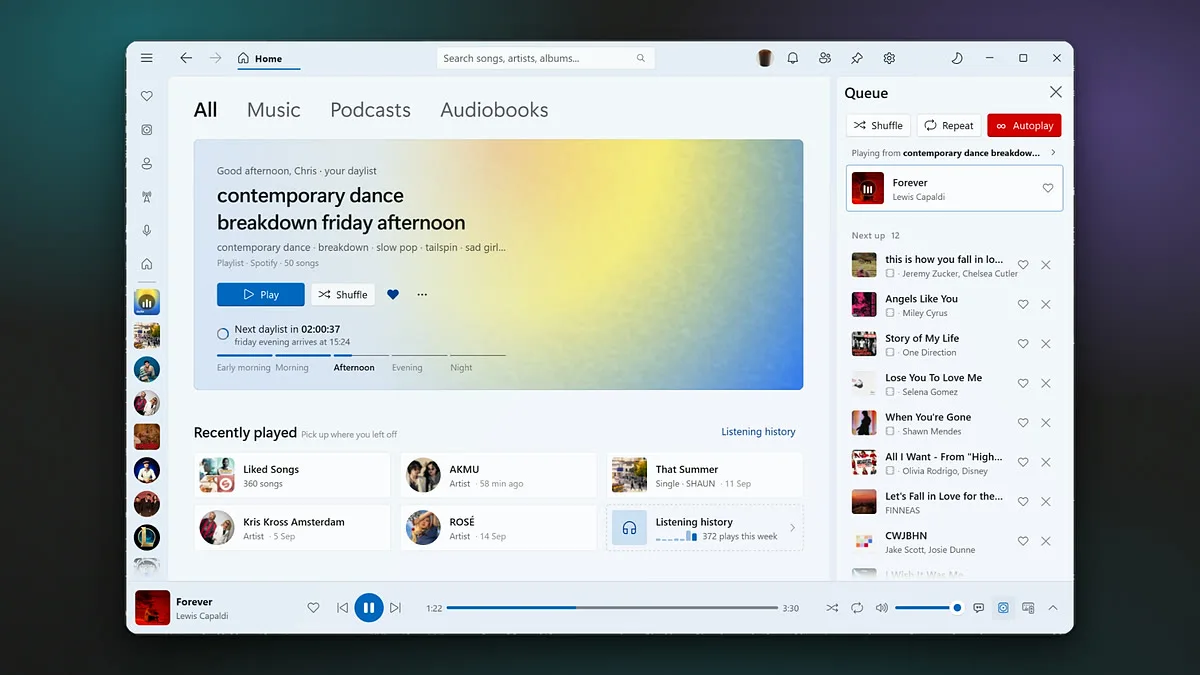
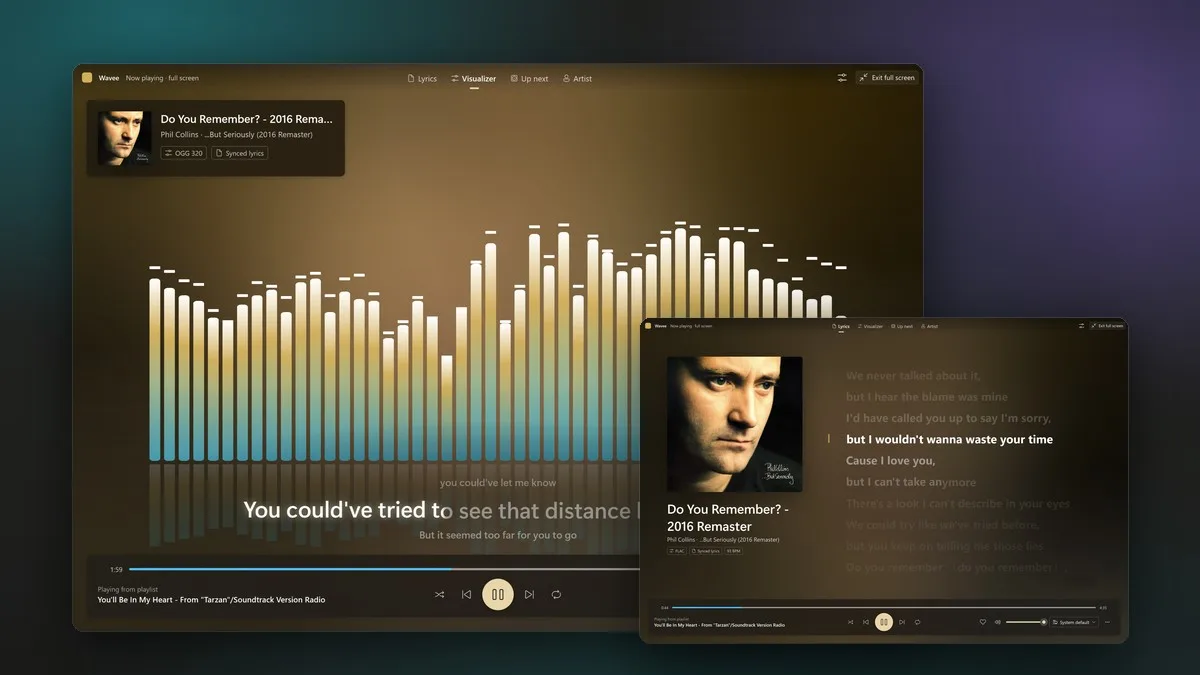
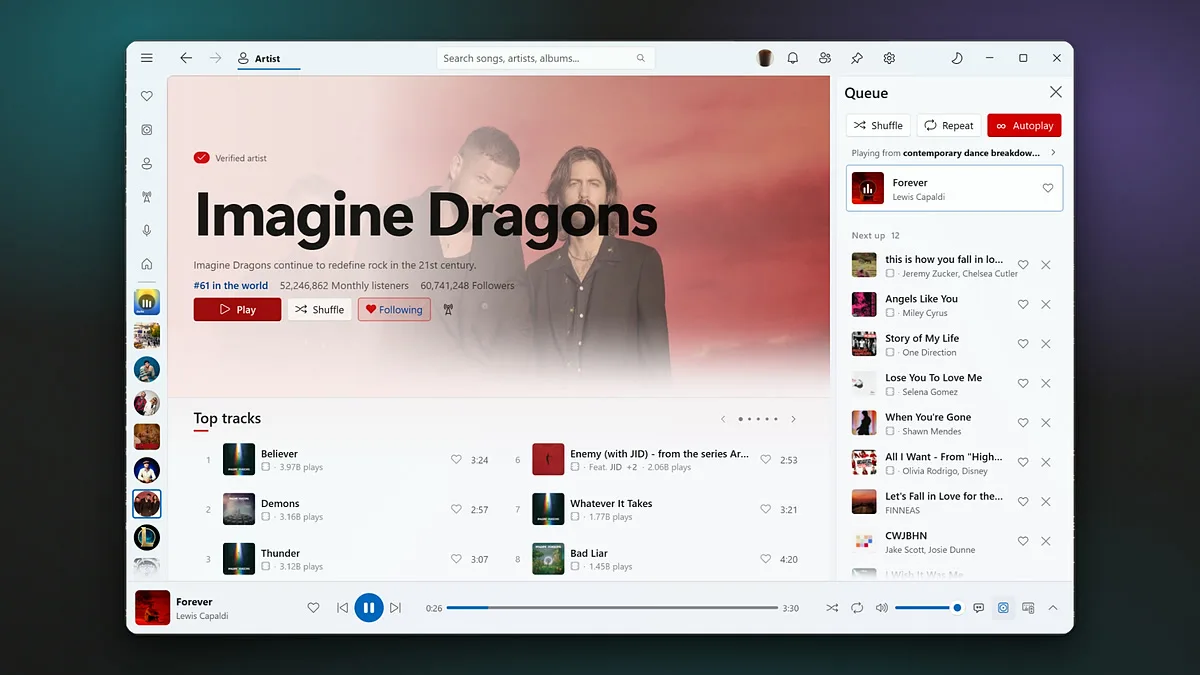
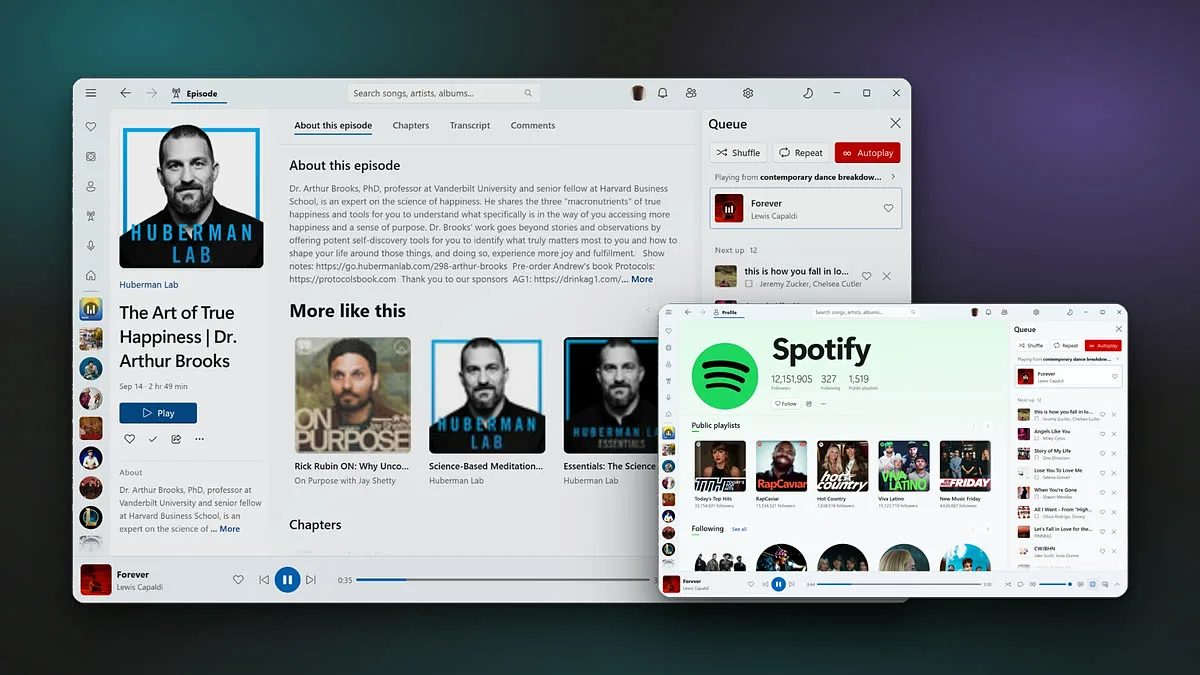
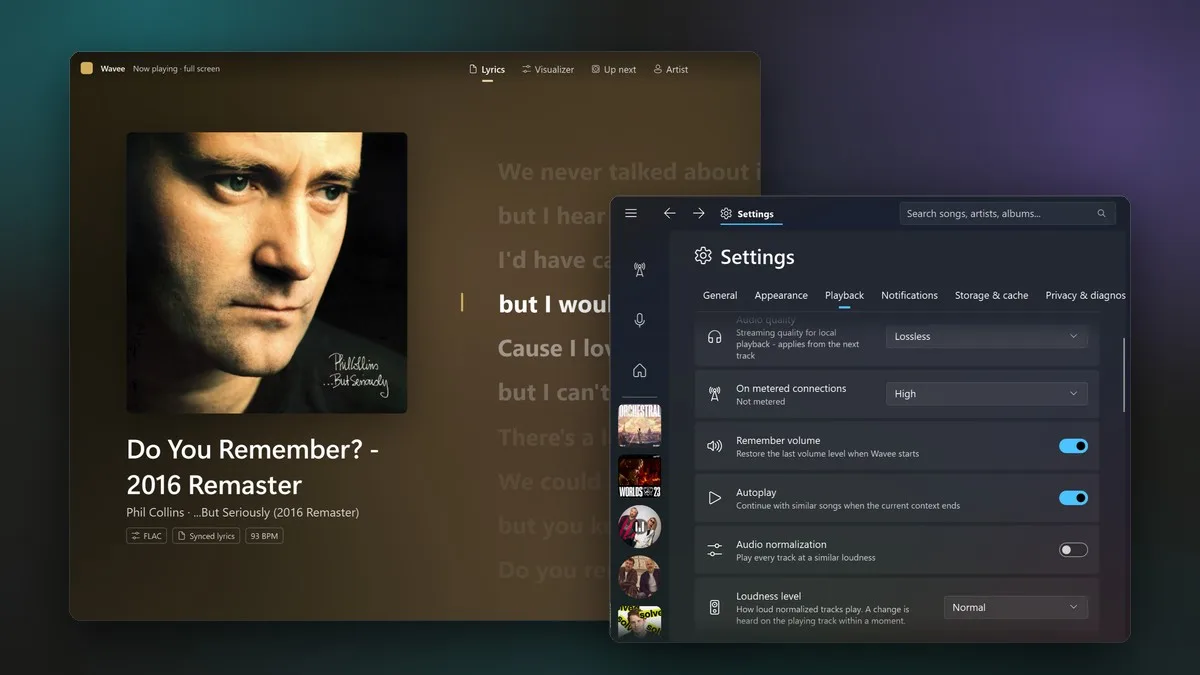
Spotify on Windows has always been a website in a box. Wavee speaks Spotify’s protocols itself and draws its own interface, so it opens in under a second and holds full refresh rate through a 10,000-song library.
New in 0.3 “Crest”: a rebuilt Home, a real full-screen view with eight visualizers driven by the audio you hear, lossless FLAC, pages for podcast episodes and people, and playback that no longer stutters when your PC is busy.
- Spotify Connect in both directions
- Lyrics synced to the syllable, beside the player or full screen
- Tempo, key and listening stats across your library
- YouTube, Twitch and radio as out-of-process modules
- Version
- 0.3.0 “Crest”
- Released
- 2 Oct 2026
- Requires
- Windows 11, Spotify Premium
- Get it from
- Microsoft Store
- Built with
- FluentGpu
- Source
- GitHub · release notes
Independent project. Not affiliated with Spotify.
FluentGpu
A from-scratch UI engine for .NET 10. You write UI in plain C#; state lives in signals, so a change re-runs only the component that read it. It paints with Direct3D 12 and DirectWrite and ships as one NativeAOT binary.
sealed class Counter : Component
{
  public override Element Render()
  {
    var (count, setCount) = UseState(0);
    return VStack(12,
      Heading($"Count: {count}"),
      Button.Accent("+", () => setCount(count + 1)));
  }
}
// a click re-renders Counter, nothing else
<PackageReference Include="FluentGpu" Version="0.1.0" />
var vol = UseFloatSignal(0.5f);
Slider.Create(vol);
// drag: thumb transform only. No render,
// no reconcile, no layout.
Against WinUI 3 on the same ARM64 machine. NativeAOT both sides, pixel-identical pages, 620 of 620 runs.
Median unless noted. The losses are listed too.
| Measured | WinUI 3 | FluentGpu |
|---|---|---|
| Worst navigation frame | 64 ms | 10.9 ms |
| CPU per navigation | 6.3 ms | 1.1 ms |
| Memory, 1,000 navigations | 2.5 GiB | 104 MiB |
| Scroll 10k rows, CPU/frame | 0.98 ms | 0.31 ms |
| Cold start, 225 buttons | 201 ms | 110 ms |
| Where WinUI 3 wins | ||
| Empty-window memory | 37 MiB | 88 MiB |
| One-node updates, p90/p99 | ~1 ms tighter | |
Every frame your browser has drawn since you opened this page, checked against your display. The list keeps growing, but only the rows you can see exist.
- Frames drawn
- 0
- Rows that exist
- 0 of 0
- Your display
- –
- Median frame
- –